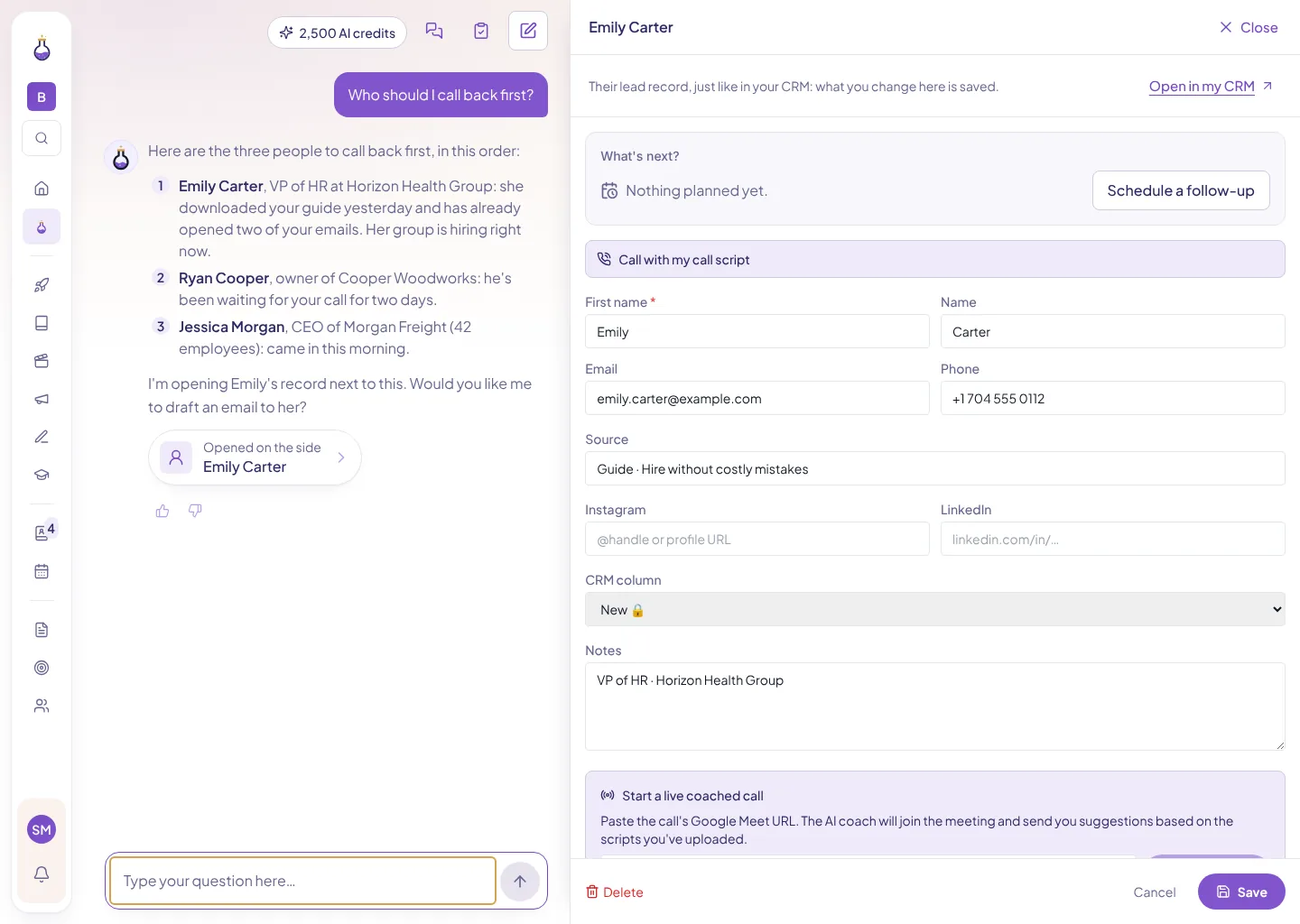
Alchi AI Agent
Ask who to call back. It drafts the email for you.
Learn more →Product › Close more deals › Calendar and Booking
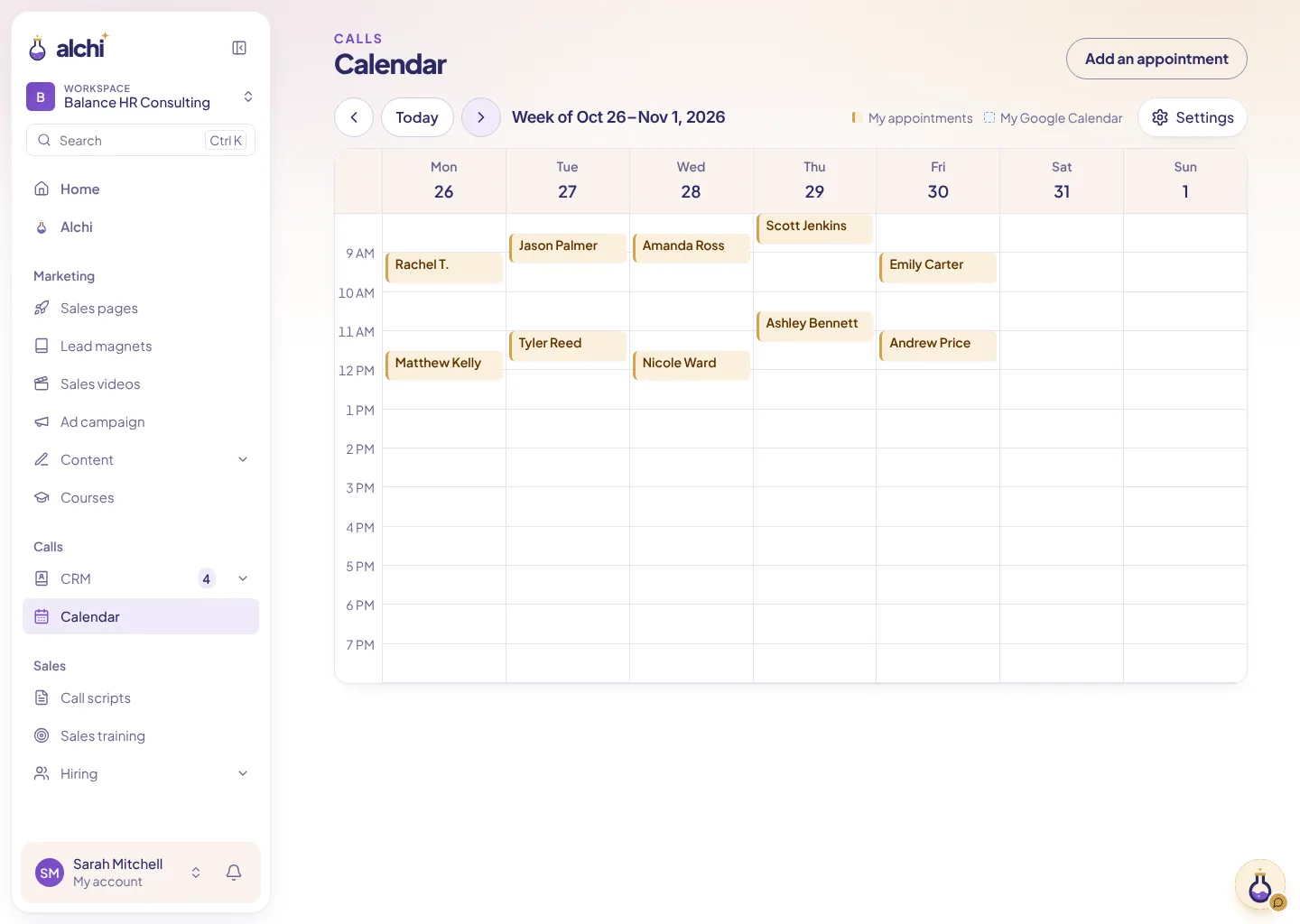
Lead calls, workshops and Google Calendar: it all shows up on the same week view.
Free analysis · Then try Alchi free for 15 days
$100M+ in sales generated for our clients with these funnel strategies, over ten years.



Features
Connect your Google Calendar: your Alchi appointments are added to it, and slots that are already busy in your primary calendar aren’t offered to your leads.
Keep your Google Calendar. Your Alchi appointments show up there, with nothing to retype.
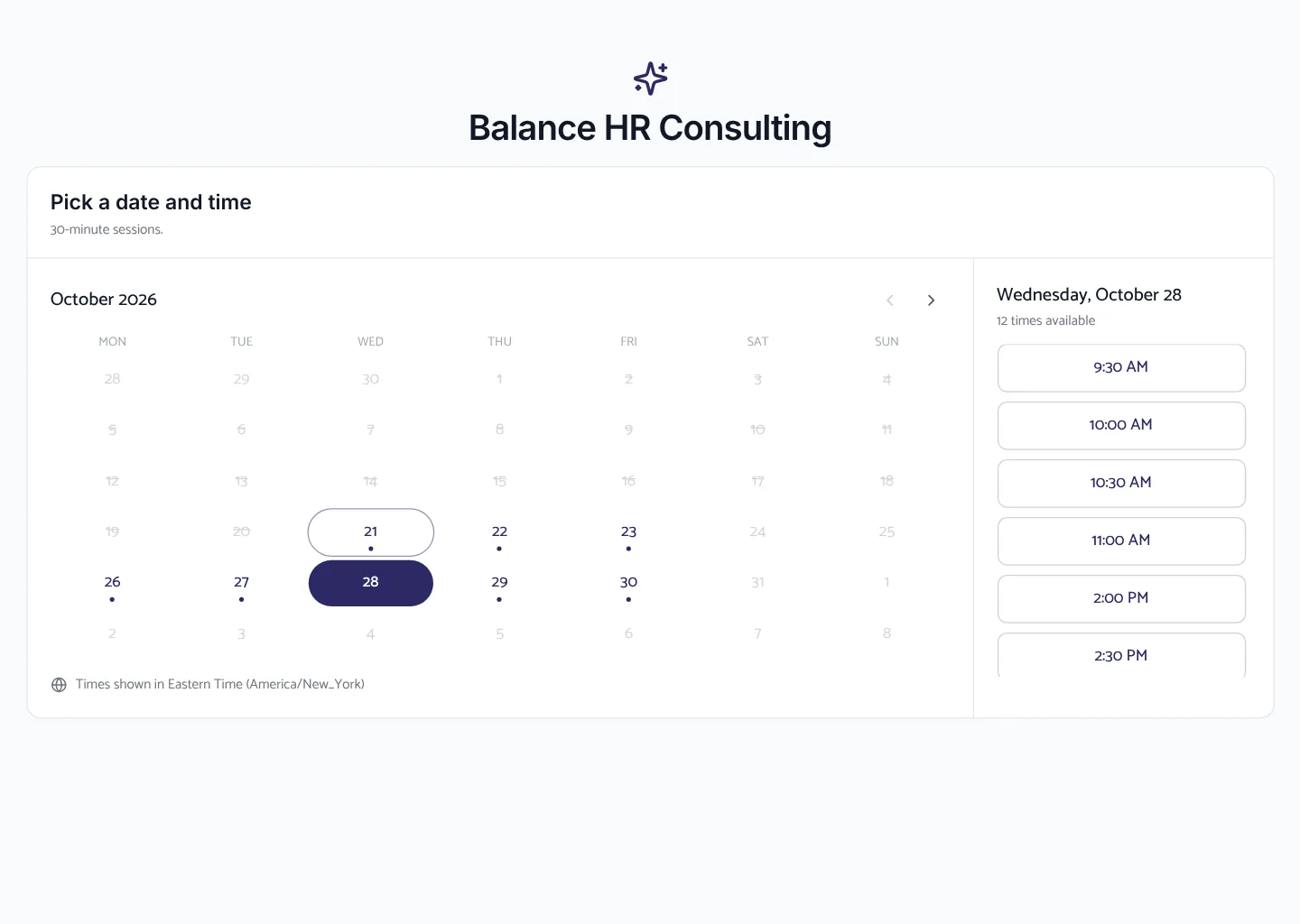
Each rep has their own calendar. The slots a lead sees belong to the rep who will take the call.
A returning lead gets the same person again.
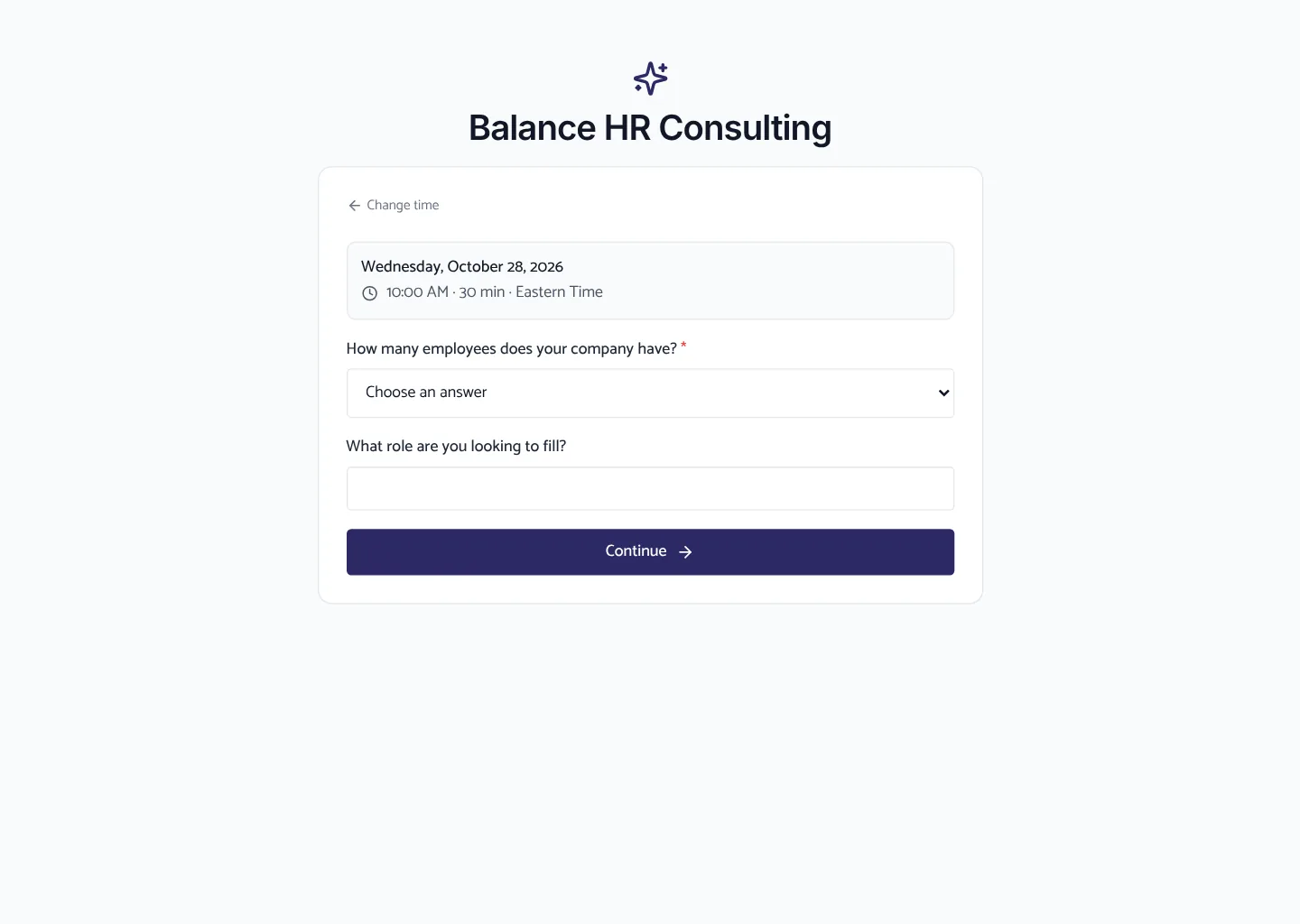
Set when you’re available. The calendar only offers slots you can actually take.
No need to check your calendar before every call.
A call gets booked? It shows up in your calendar and in your CRM.
The lead, their appointment and their history, all in one place.
Lead needs a different time? They can pick another slot without starting over.
Your calendar updates itself.
Choose your hours, your availability and how appointments are offered.
The calendar handles the busywork. You handle the call.
Also in Alchi
Ask who to call back. It drafts the email for you.
Learn more →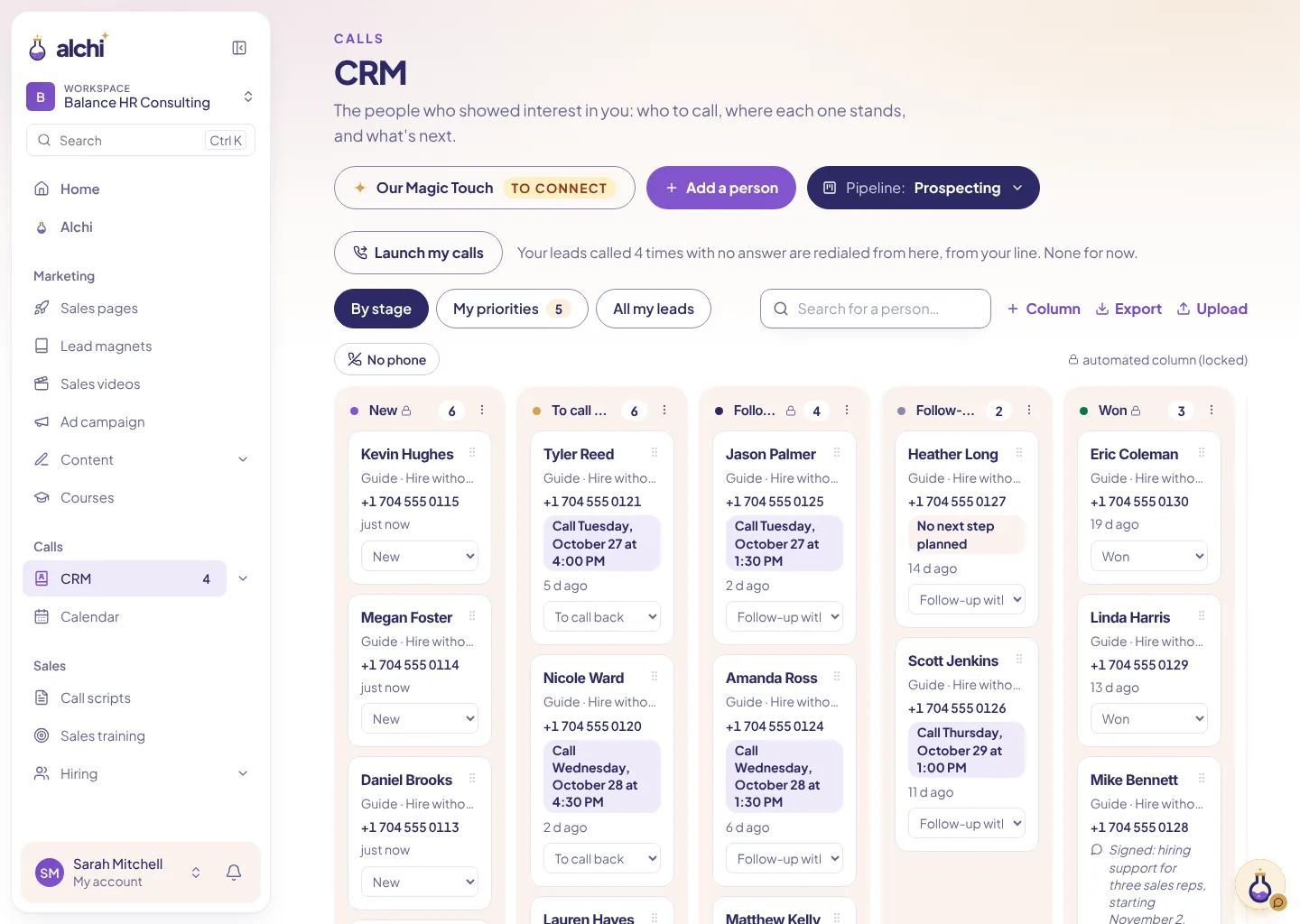
Who to call, where everyone stands, and what’s next.
Learn more →Fewer no-shows, without chasing anyone by hand.
Learn more →Funnel templates
Clone a proven funnel, then make it your own.
FAQ
Yes, to sync appointments with Google Calendar.
Yes, by email, plus text or WhatsApp depending on your plan.
Yes.
Keep using your own tools. If you want, you can embed your scheduler on your sales pages with an embed code. Appointments booked in those tools stay there: they don’t arrive in your Alchi calendar.
Paste your website address to build your funnel.
Free analysis · Then try Alchi free for 15 days